

Portable vs Permanent Golf Simulators: Which Fits Your Home?

Last Updated: November 14, 2026
Quick Summary
Portable golf simulators trade realism and stability for flexibility, suiting renters, tight budgets, and shared rooms, while permanent builds trade flexibility for accuracy, durability, and a space that feels like a real fairway. Permanent bays keep the screen, mat, and launch monitor aligned session after session, but they need dedicated space and a larger upfront investment.
Portable setups assemble in minutes and can pack away into a closet between sessions.
Permanent bays use a fixed frame, taut impact screen, secured mat, and mounted projector to stay aligned.
Measure ceiling height at the swing point first, since it decides more than any other factor.
A portable kit usually costs less upfront, but savings erode as fabric enclosures wear and setups shift.
Rocket Simulators builds enclosures from aluminum and wood with DelaTurf mats and crease-free screens.
Portable or permanent simulator for your home?
Rocket Simulators designs and installs custom at-home golf simulator bays built around your space.
Table of Contents
Portable vs Permanent Golf Simulators: The Core Trade-Off
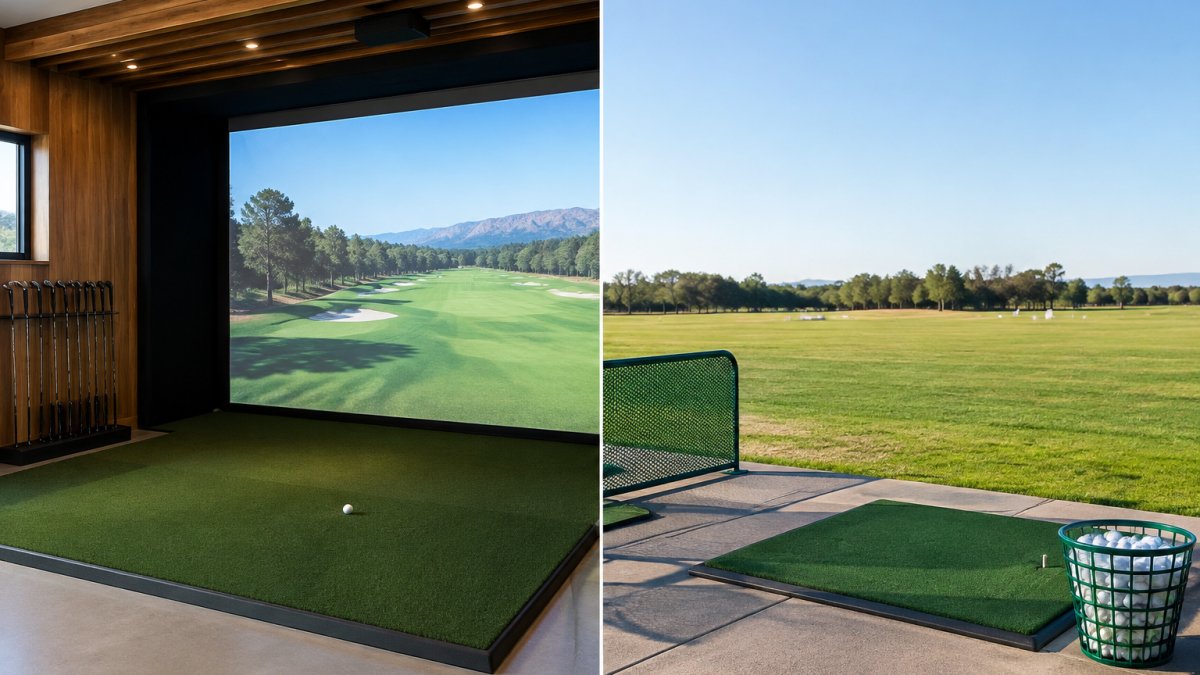
The benefits of portable versus permanent golf simulators come down to one question: do you want a practice bay that moves, or a room built around the game? Rocket Simulators designs and installs permanent, custom-built bays, so we will be direct about where each option wins. A portable unit trades realism and stability for flexibility. A permanent build trades flexibility for accuracy, durability, and a space that feels like a real fairway.
Neither choice is wrong. It depends on your room, your budget, and how often you plan to swing.
Here is the short version: portables suit renters, tight budgets, and shared rooms. Permanent builds suit homeowners who want year-round practice, consistent ball tracking, and a setup that survives Florida heat and humidity without constant fuss.
Portable Golf Simulators: Flexibility and Fast Setup
A portable golf simulator is a launch monitor, net or inflatable enclosure, and mat that you assemble and pack away. Setup usually takes minutes, and the whole kit can live in a closet.
That flexibility is the real draw. You can move it to the garage, the patio, or a friend's house. Teardown is quick, and you are not committing square footage to a single purpose.
The trade-offs are real too. Portable enclosures flex and shift, screens wrinkle, and mats slide on hard floors. Ball tracking stays accurate on a good launch monitor, but the immersive feel of a fixed bay is harder to reproduce.
Best for: renters, small spaces, casual practice, families testing the hobby
Watch out: cheap inflatable enclosures wear at the seams and lose their shape, so budget for replacement
Permanent Golf Simulators: Accuracy and Long-Term Value
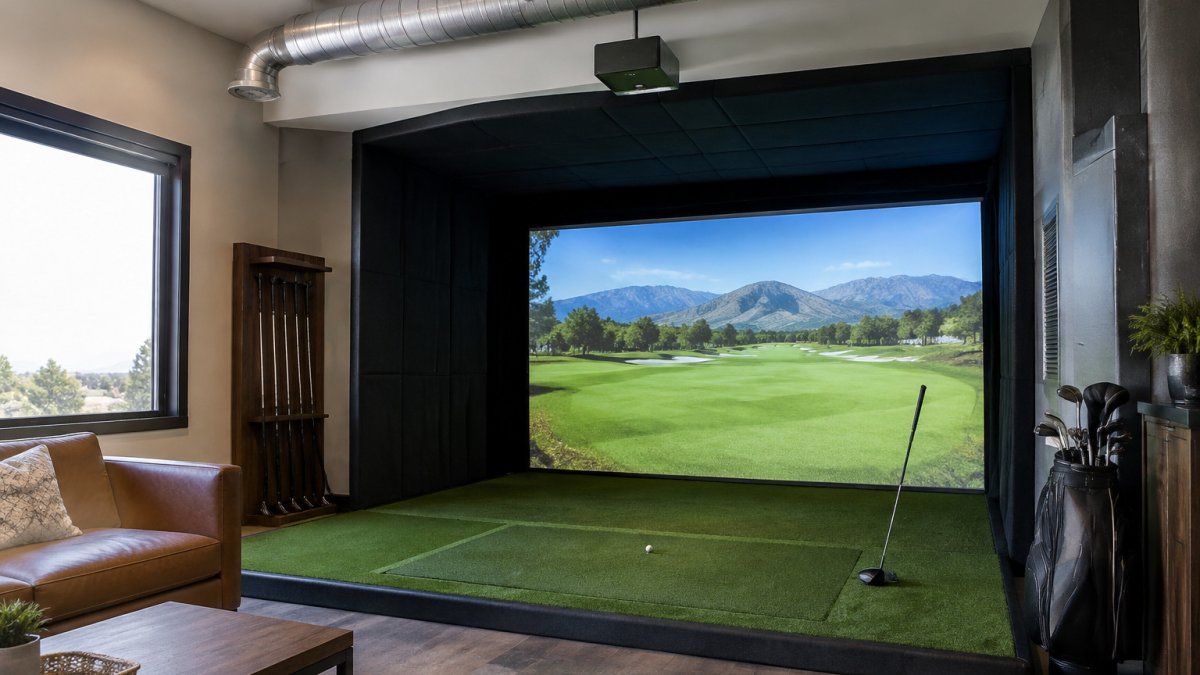
A permanent golf simulator is a built-in bay: a fixed frame, a taut impact screen, a secured hitting mat, and a mounted projection system. Everything stays aligned, so shot data and visuals stay consistent session after session.

Accuracy is where permanent builds pull ahead. A screen that stays crease-free and a mat that never shifts mean your swing data reflects your swing, not your setup. Rocket Simulators builds enclosures from aluminum and wood with DelaTurf hitting mats and a crease-free screen.
The catch is commitment. A permanent bay needs dedicated space and a larger upfront investment. You cannot fold it away when guests visit.
Best for: homeowners, serious hobbyists, families wanting a premium entertainment space
Watch out: a bay installed without proper ceiling and swing-clearance measurements will feel cramped and limit your swing
Space, Ceiling Height, and Room Requirements for a Golf Simulator for Home
Ceiling height decides more than any other factor, and it is the first number to measure. A full driver swing needs generous overhead clearance; a low bonus room will force shorter clubs or a modified swing. A full driver swing needs generous overhead clearance, so measure your ceiling height at the swing point before you choose an enclosure.
Measure three things before you buy: ceiling height at the swing point, width for the enclosure and backswing, and depth from the ball to the screen.
Swing-clearance checks matter as much as raw dimensions. Stand in your stance and make a slow full swing with a driver while a helper watches the clubhead and ceiling. Check the backswing path behind your trailing shoulder and the follow-through above your lead shoulder. If the clubhead comes within a few inches of a joist, a light fixture, or the ceiling itself, the room is too tight for that club.
Garage bays, spare rooms, and basements each present different constraints. Garages, basements, and spare bedrooms each present different constraints, such as door tracks, ductwork, and limited width, so measure your specific room before choosing a setup.
Setup and teardown time is part of the space story. A portable setup can be packed away between sessions, while a permanent bay is installed once and claims the room for good.
If your room is tight, read our guide to the minimum ceiling height for a home golf setup before you commit to any enclosure. It walks through the exact dimensions that keep a swing comfortable rather than cramped.
Choosing a Golf Simulator for Indoor Use vs Outdoor Play
Indoor use favors control. You get consistent lighting, no wind, and a stable floor, which makes a golf simulator for indoor use the better choice for repeatable practice and swing improvement.
Outdoor play adds realism but introduces variables: sun glare on the screen, wind moving the net, and rain cutting sessions short. Florida weather makes outdoor setups unreliable for year-round practice.
A portable unit can move between indoors and out, which is its main advantage. A permanent bay stays indoors, protected from the elements, and delivers the same experience every time you step in.
Golf Simulator DIY Builds vs Professional Installation
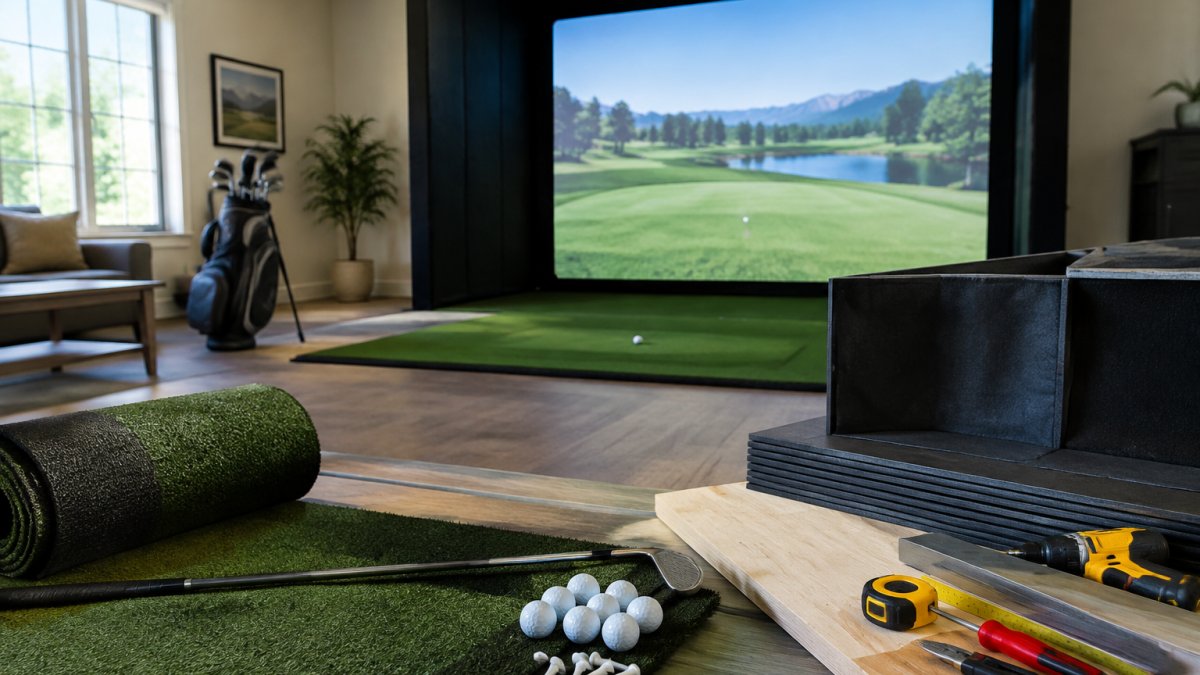
DIY builds appeal to handy homeowners, and a basic frame is within reach for some. The hard parts are screen tension, projector alignment, and getting the mat and launch monitor positioned for accurate ball tracking.
Professional installation handles measurement, framing, wiring, and calibration in one pass. That matters because a screen installed slightly off or a projector mounted at the wrong angle throws off both the visuals and the data.
If you want to weigh the two paths, our step-by-step golf simulator frame build guide covers the DIY route, and our guide to professional golf simulator installation explains the full installed process.
Factor | Portable Setup | Permanent Build |
Setup time | Minutes per session | One-time install |
Accuracy consistency | Good, drifts with movement | High, stays aligned |
Space needed | Small, shared rooms | Dedicated room or garage |
Durability | Wears with repeated setup | Built to last years |
Best for | Renters, casual play | Homeowners, serious practice |
Total Cost of Ownership and Durability in Florida Conditions
Upfront cost is only part of the picture, and the honest comparison is total cost of ownership over several years rather than sticker price. Break the budget into the same line items for both paths: launch monitor and tracking technology, enclosure or frame, impact screen, hitting mat, projector and mounting, software and course subscriptions, installation or DIY materials, maintenance and replacement parts, storage, and, for portables, the cost of moving or re-setting up the kit.
A portable kit usually wins on the first line item. The launch monitor, net or inflatable enclosure, mat, and a projector or TV can be assembled for less than a built-in bay, and there is no framing or wiring labor. But the savings erode over time.
A permanent bay costs more upfront because it includes a fixed aluminum or wood frame, a taut crease-free screen, a secured hitting mat, a mounted projector, and professional measurement and calibration. That higher initial spend buys alignment that does not drift, so the launch monitor, screen, and mat stay in the same relationship session after session. Over a multi-year horizon, the permanent bay often closes the gap because you are not replacing fabric enclosures or re-aligning a shifting setup.
Software is a recurring cost on both paths. Launch monitor and simulator software typically runs on a subscription or one-time license, and course libraries and practice modes can add to that. Price the software you actually want before you compare hardware, because a cheap enclosure paired with a premium software stack can cost more than expected.
Maintenance and durability differ by construction. Rocket Simulators builds enclosures from aluminum and wood with a crease-free screen, and our fixed construction is designed for durability in Florida's climate. For outdoor use, wind and weather limits matter: nets move, screens catch glare, and rain ends sessions, so an outdoor portable setup is a fair-weather tool rather than a year-round one.
Storage and relocation are easy to overlook. A portable kit needs closet or corner space and a safe place to store the launch monitor and mat between sessions. A permanent bay needs none, but it also cannot move with you, if you rent or expect to relocate, the cost of leaving a built-in bay behind belongs in the comparison.
For a full breakdown of what each path really costs, see our guide to the complete home golf simulator setup cost.
Get a Custom Simulator Quote for Your Space
The right choice depends on your room, your ceiling height, and how you plan to use the bay. If you want a permanent, tailor-fitted setup built around your space, we can help.
Rocket Simulators designs and installs custom bays with professional-grade ProTee projectors, durable aluminum and wood enclosures, and crease-free screens. We measure your space on site and recommend equipment that fits it.
Get started with Rocket Simulators and turn your spare room or garage into a bay built for year-round practice. Contact our team for a custom design and quote.
The gap between a portable kit and a permanent bay shows up the moment you start swinging. If you want a setup that stays accurate, holds up to Florida conditions, and looks like it belongs in your home, we would build it around your space. Reach out and we will measure, design, and install a bay fitted to your room.
Frequently Asked Questions
What are the advantages of a portable golf simulator?
A portable golf simulator is a mobile setup you can pack away, which makes it the practical choice for renters, garages shared with cars, and homes without a spare room. Setup time is usually minutes, and an inflatable enclosure or golf net plus hitting mat and launch monitor keeps the upfront cost lower. The trade-offs are smaller hitting screens, less accurate ball tracking at the low end, and more wear on components from repeated teardown.
Are portable golf simulators accurate?
Accuracy depends on the launch monitor, not the enclosure. A quality launch monitor with ball tracking and swing tracking produces reliable shot data for practice sessions whether it sits in a portable net or a permanent bay. Budget portable packages often use camera or radar units with limited spin readings, so check the specific monitor's specs. For serious swing improvement, pair a good monitor with a proper hitting mat and impact screen.
How much space do you need for a home golf simulator?
Measure the room's width, depth, and ceiling height, and make sure the ceiling clears your driver swing with room to spare. An on-site measurement is the safest route before buying, because a bonus room that looks large can fail on swing clearance.
Is a permanent golf simulator worth the investment?
A permanent golf simulator earns its cost through year-round practice, better accuracy, and a setup that never needs teardown. A built-in bay with a fixed enclosure, crease-free screen, and projection system is designed for consistent use.
Comments