

Is a Golf Simulator Worth It for Casual Family Use in 2026?

Quick Summary
A golf simulator is worth it for casual family use when the room fits, the budget holds up over several years, and several people will use it each week. Families with children or teens who want games and multiplayer modes benefit most, while occasional players can start with a simpler setup.
Measure the room at the tallest player's swing height before comparing any golf simulator specs.
Casual families can skip tour-level club data and advanced swing analytics to avoid paying for unused features.
A two-car garage with 16+ ft width and 9-10 ft ceiling is the most common first choice.
Ask whether software needs an ongoing subscription and whether multiplayer use has limits.
A permanent enclosure with side netting and ceiling baffle prevents mis-hits from reaching walls or windows.
Table of Contents
Who a Golf Simulator Makes Sense For at Home
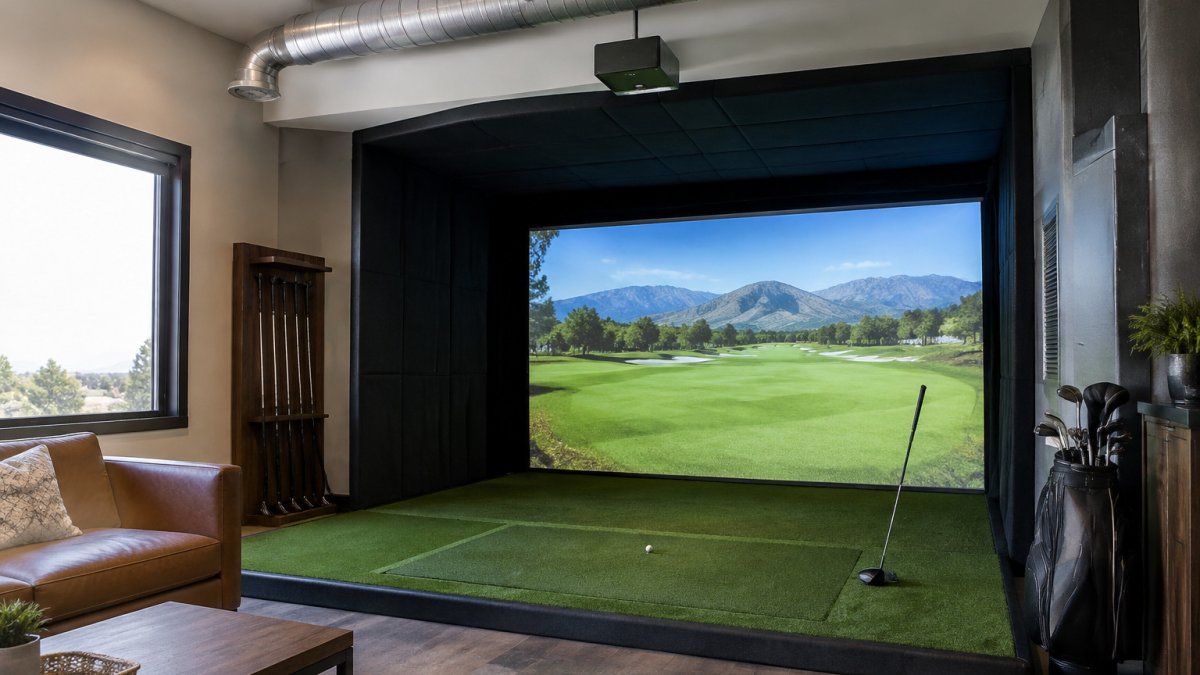
A golf simulator makes sense for a family when the room fits, the budget holds up over several years, and at least a few people will use it each week. Most households are better served by a simple setup than by a premium bay, and the right choice depends on how often you play and who will use it.
Families with teenagers or younger children often find that games and multiplayer modes keep everyone engaged. Occasional golfers who want a few hours of practice in bad weather also benefit. Serious golfers chasing precise swing data will usually want a higher-end system, and that is a different buying decision.
At Rocket Simulators, we design and install custom bays for Central Florida homes. Our view is simple: match the system to how your family actually plays, not to the most impressive spec sheet.
Top Golf Simulator Options for Casual Family Play
Many buyers compare simulators by price or by tour-level data, but a household with mixed ages and abilities may need a different sort order.
Rocket Simulators is built around custom, tailor-fitted bays with high-end enclosures made from aluminum and wood, a ProTee projector system, and on-site space measurement before any equipment is chosen. You can browse the PROTEE technology and bay products we offer.
SkyTrak+ Golf Launch Monitor & Simulator is a third-party product. Check the manufacturer or retailer for current pricing and included components.
Foresight Sports GC3 / GC3S SIG10 Golf Simulator is a packaged home system. Best for: households that prefer one package over selecting each component separately and want a single-vendor setup.
Bushnell Launch Pro "Circle B" Edition SIG10 Golf Simulator is a packaged option at a mid-range price. Confirm its included software and family-oriented games before buying.
Garmin Approach R10 is a launch monitor option for golfers wanting simulator functionality. Current pricing was not available in our research, so check current prices directly.
Rapsodo MLM2PRO is a launch monitor option. Its price and simulator features were not stated in our research, so verify those before deciding.
Square Golf Launch Monitor is a launch monitor option. Confirm current pricing and included software before buying. Best for: families building a lower-cost home project who are comfortable sourcing the mat, net, and screen separately.
aboutGOLF aG Tech Pack and the aboutGOLF aG Sim Kit are third-party options. Confirm current pricing and included components directly with the manufacturer.
Quick Comparison Table: Price, Setup and Game Variety
System | Listed Price | Setup | Game Variety | Best For |
Rocket Simulators (custom bay) | Quote required | Professional install | Varies by build | Permanent family room |
SkyTrak+ | $1,795 (closeout) | Home setup | Not detailed | Lower upfront cost |
Foresight GC3/GC3S SIG10 | $6,569 | Packaged | Not detailed | One-package buyers |
Bushnell Launch Pro SIG10 | $4,999 | Packaged | Not detailed | Mid-range packages |
Garmin Approach R10 | Not stated | Launch monitor | Not detailed | Entry-level, outdoor use |
Rapsodo MLM2PRO | Not stated | Launch monitor | Not detailed | Backyard or range use |
Square Launch Monitor | Under $1,000 | Launch monitor | Not detailed | Budget projects |
aboutGOLF aG Tech Pack | $17,500 | DIY | Not detailed | DIY builders |
aboutGOLF aG Sim Kit | $27,800 | Complete kit | Not detailed | Premium complete kits |
What Casual Families Can Skip
A family-first buying guide should say plainly which features are not worth paying for. Tour-level club data, advanced swing-path analytics, and multi-camera setups are the first things to cut. Most casual households will not use them, and they raise both the price and the setup complexity. The features worth keeping are a contained hitting area, a screen that survives mis-hits from kids, a game library with short rounds and multiplayer, and software that lets a new player switch in without a long calibration routine.
Watch out: buying a premium data package before confirming the room dimensions and the enclosure fit often leads to returns or a cramped bay, so measure the room before you compare specs.
Golf Simulator Home Setup Cost: What Families Should Budget
The sticker price of a golf simulator is only part of what a family spends. Launch monitors, projectors or screens, enclosures, mats, computers and installation all add to the total. Some listed packages cover much of this, while DIY builds require you to source each piece.
Budget for the hidden items too. Room preparation, electrical work, a suitable impact screen and any software subscriptions can add significant cost over the first year. Ask whether the software needs an ongoing subscription and whether multiplayer use has limits.
Our pricing for custom bays depends on the space, materials and equipment chosen, so request a quote rather than relying on estimates.
Golf Simulator Space Requirements and Ceiling Height
Space is the constraint that surprises most families, and it is also where a family setup differs most from a practice bay. You need enough width and depth for a comfortable stance, enough height that the backswing and follow-through clear the ceiling and the projector mount, and enough buffer that an off-line shot does not put a ball through a shared living space. Measure the room before you shop, and measure it at the height of the tallest player's swing, not at floor level. Our minimum ceiling height setup guide walks through the clearance numbers step by step.

A common pattern in family homes is a garage, a basement, or a bonus room with a clear span and a higher ceiling. A two-car garage with the cars moved out is the most common first choice because the depth is already there and the floor is already hard. Basements work when the ceiling is high enough and the room can be closed off. Multipurpose rooms are the hardest, because the simulator has to share the space with furniture, a TV, or a guest bed, and that usually means a retractable screen or a temporary net rather than a permanent enclosure.
Minimum Room Dimensions to Plan Around
A comfortable indoor bay generally needs enough width, depth and ceiling height for an adult swing, and the exact dimensions depend on the system chosen. A room that is tighter than that can still work, but the swing clearance becomes the limiting factor, and that affects which system will feel comfortable to use. For younger players, the height requirement drops, which is why a family with small children can sometimes use a room that would feel cramped for an adult.
Room Type | Typical Width | Typical Depth | Ceiling Height | Notes |
Two-car garage | 16+ ft | 12+ ft | 9-10 ft | Best depth; watch the garage door track |
Finished basement | 12+ ft | 10-12 ft | 8-9 ft | Lowest ceilings; measure under ducts |
Bonus room | 12+ ft | 10-12 ft | 8-9 ft | Often has sloped ceilings |
Multipurpose room | 10+ ft | 10 ft | 9+ ft | Needs retractable or temporary screen |
Safety, Noise, and Protecting the Rest of the House
A family simulator has to contain mis-hits, not just measure good ones. An enclosure with side netting and a ceiling baffle is the difference between a safe room and a repair bill. The impact screen should be rated for the ball speed the household actually produces, and the mat should be thick enough that a topped shot does not bounce off a hard floor. Noise travels through shared walls and floors, so a basement bay under a bedroom will be heard, and a garage bay next to a living room will be heard. Rubber flooring, a padded mat, and a screen with a backing layer reduce both the sound and the wear on the room.
Watch out: skipping an enclosure and relying on a bare net in a shared room can allow mis-hits to reach walls, windows or vehicles.
Temporary and Retractable Options for Shared Rooms
Not every family can dedicate a room. A retractable screen, a roll-up mat, and a launch monitor that stores on a shelf let a multipurpose room switch between simulator and living space in a few minutes. The trade-off is setup time on each use and a less contained hitting area, so this option suits occasional players better than a household that will use the bay several times a week. When you are ready to have the room assessed, our team can measure it on site and recommend equipment that fits.
Multisport Simulator Systems for Home Use
Some simulator software includes games beyond golf, such as arcade-style games or mini-games designed for all ages. These can make a system more useful for a household where not everyone wants to play a full round. Look for clear difficulty settings and modes that let younger players join in without frustration.
Check what is included before you buy. Some systems list game variety as a feature, while others leave it to separate subscriptions. Ask the seller for a list of included modes before purchasing.
How to Choose the Right Setup for Your Family's Needs
Start with three questions: how many people will use the system, how much space you have, and how much you want to spend over the first two years. A single occasional player can do well with an entry-level launch monitor. A family that plays several times a week will get more from a complete package or a custom bay.
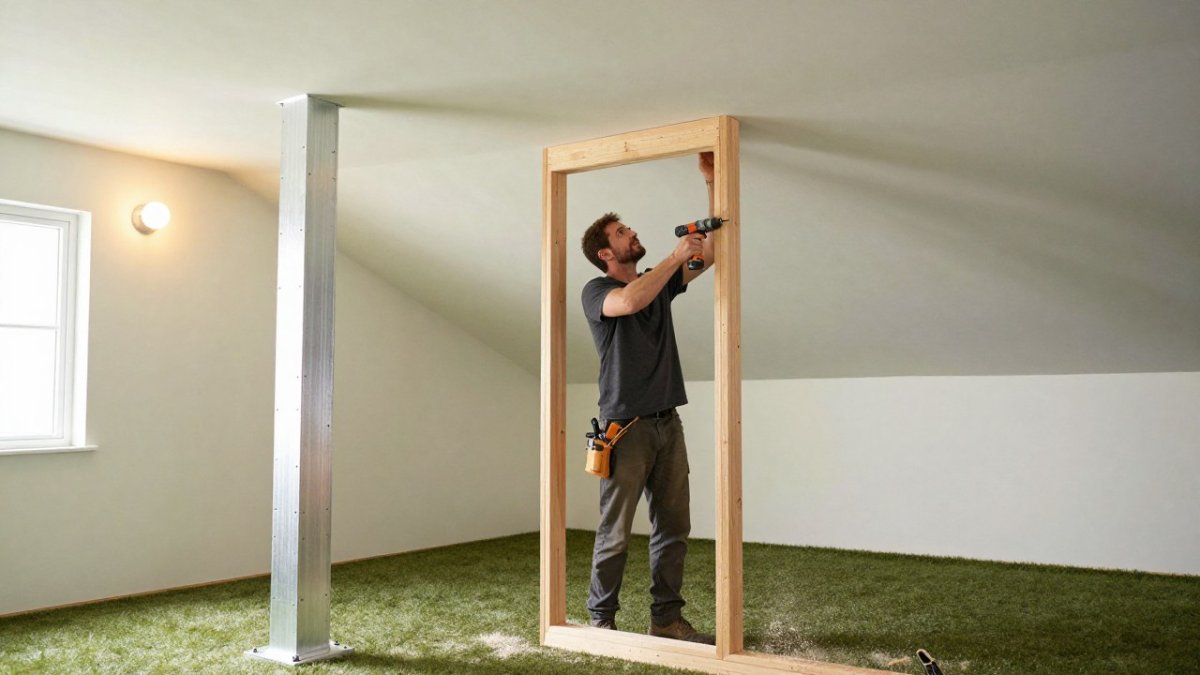
Consider the trade-offs between DIY and professional installation. A DIY build can lower the cost, but it demands time, technical comfort and careful room planning. Our professional installation guide explains what a pro setup involves so you can compare the two paths. A professionally installed system costs more upfront and typically offers a more reliable finish.
Watch out: buying a system before measuring the room often leads to returns or a space that feels cramped, so measure first.
Scheduling Your Family's Golf Simulator Consultation
If you are weighing a custom bay for your home in the Orlando area, the next step is a consultation. We measure your space, discuss how your family plays, and recommend a setup that fits your room and budget. Contact Rocket Simulators to request a custom design consultation. Our team can also walk you through the options and answer questions about installation and durability.
Frequently Asked Questions
Can kids use a golf simulator?
Yes. Many home simulator systems include kid-friendly and all-ages games, and difficulty settings let younger or less experienced players enjoy the setup without the pressure of a full 18-hole round. Look for software that supports multiple players and modes of play, such as practice mode or short-course games, so children can join in. Check the room layout so younger family members can stand safely away from the hitting zone during play.
What is the minimum space required for a family golf simulator?
Space needs depend on the system, but most home setups need enough room for a full swing with clearance around the hitting area, plus enough distance between the hitting mat and the impact screen. Ceiling height matters as much as floor area, because a lower ceiling can restrict backswing and make a swing feel cramped. Measure the room before buying, and ask whether the provider will check dimensions on site. Rocket Simulators offers on-site space measurement and equipment recommendations, and you can request a quote through the company website for a space-specific assessment.
How much should a family expect to spend on a casual golf simulator setup?
Pricing depends on quantity, the components selected, room preparation, and delivery, so there is no single figure that applies to every household. Compare what each price includes, such as the enclosure, screen, mat, software, and installation. For current pricing on a custom build, visit the Rocket Simulators website and request a quote.
Do home golf simulators offer games for non-golfers?
Some systems include multisport or arcade-style games alongside golf courses, which can make them more appealing for a family with mixed interests. Software options differ in game variety, so check whether the platform offers non-golf titles and whether those titles are included or sold separately. Confirm details such as offline access, subscription requirements, and multiplayer limits before purchasing, since these affect how often the whole family will use the system.
Comments