

Best Golf Simulator Software for Data Analysis: 5 Top Picks for 2026

Last Updated: November 17, 2026
Quick Summary
The best golf simulator software for data analysis in 2026 are E6 Golf 2026 for full club data plus a 500-plus course library, GSPro for data-rich practice and session history, ShotForge for affordable core metrics at $6.99/month, TrackMan for professional-grade accuracy, and Creative Golf 3D for family-friendly practice and play.
We scored platforms on five weighted criteria, with metric depth and measured-versus-estimated labeling counting for 30%.
Twelve core metrics drive improvement, including ball speed, club speed, carry distance, launch angle, spin rate, and smash factor.
Beginners should watch carry distance, shot shape, and dispersion before adding club path and face angle.
Low-handicappers should focus on smash factor, attack angle, and spin rate to separate good strikes from lucky ones.
Confirm your launch monitor is on the software's supported-device list and whether club data costs extra before buying.
Ready to build a data-driven golf bay?
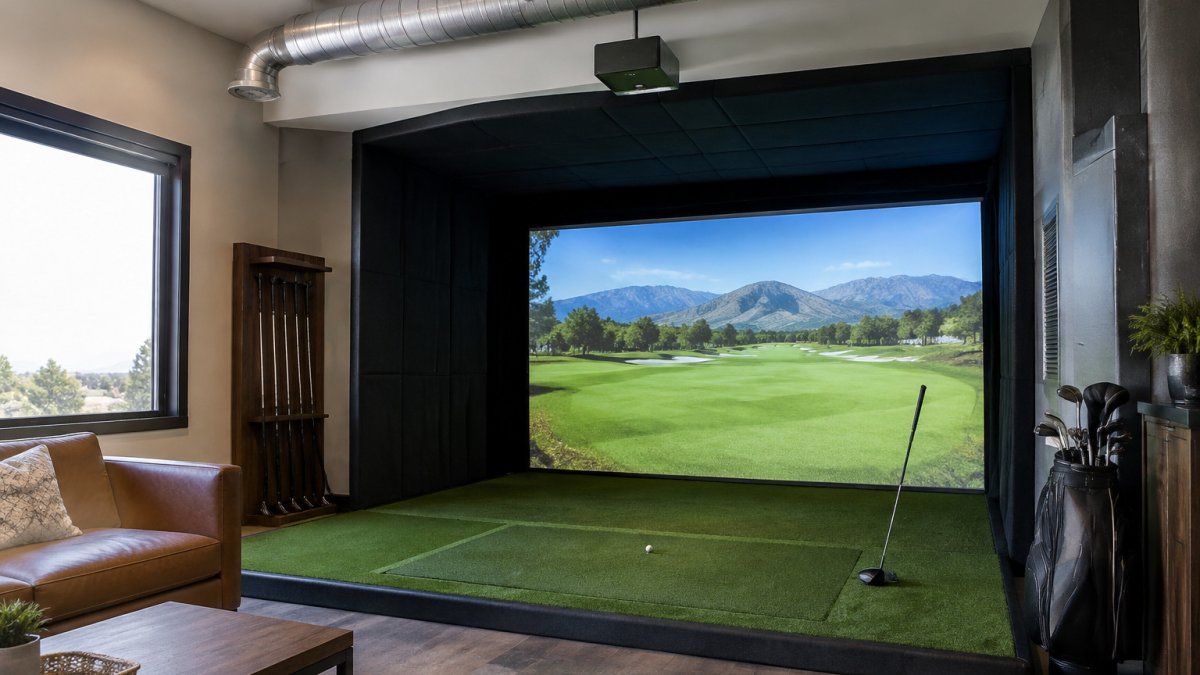
Rocket Simulators designs and installs custom home golf simulator bays built for accurate, year-round practice.
Table of Contents
How We Ranked These Golf Simulator Software Picks
The best golf simulator software for data analysis turns raw launch monitor readings into decisions: which club to hit, which yardage gap to close, which swing change is working.

The Metrics That Actually Matter
Not every number on a data screen helps you improve. The metrics that drive real game improvement are ball speed, club speed, carry distance, total distance, launch angle, spin rate, side spin, smash factor, club path, face angle, and attack angle.
Shot dispersion matters more than any single swing. A tight dispersion pattern with average speed beats a fast swing that scatters. If you want to understand how accuracy is measured before trusting any ranking, our guide on launch monitor accuracy breaks down the testing behind the numbers.
Our Data-Analysis Scoring Method
Most simulator comparisons rank software on course count, graphics, and price. We rank on the data layer first, because that separates a practice tool from a video game. Each platform was scored on five weighted criteria:
Metric depth and measured-versus-estimated labeling (30%). We checked which of the twelve core metrics the software displays, and whether it distinguishes measured values from calculated ones. Radar units such as TrackMan measure club path and face angle directly; camera units and many budget monitors estimate them, and the software should say so. A platform that presents an estimated face angle as confidently as a measured one costs itself points.
Session history and longitudinal tracking (25%). We looked for session aggregation, historical dashboards, club-by-club averages, and the ability to compare this week's session against one from three months ago. A platform that only shows the last shot is a launch monitor display, not analysis software.
Filtering and shot grouping (15%). The best tools filter by club, shot shape, session, or date range, and exclude mishits so one topped 7-iron does not poison your club averages.
Exportability and data ownership (15%). We checked for CSV export, cloud storage, and a clear answer to what happens to your history if a subscription lapses. Data you cannot take with you is rented, not owned.
Readability and actionable feedback (15%). We scored whether the software surfaces trends, flags outliers, and frames data a player can act on without a coach standing behind them.
Compatibility and Feature Limitations by Launch Monitor
Software depth is capped by the hardware feeding it. A common pattern is a buyer choosing GSPro or E6 for its data screens, then discovering their launch monitor exposes only a subset of its metrics, or that club data requires an add-on subscription. Before you commit, confirm three things: that your launch monitor is on the software's supported-device list, which metrics pass through versus which are locked behind the monitor's own ecosystem, and whether club data is included or sold separately. TrackMan is a closed ecosystem built around its own radar units, so compatibility is not a question.
Where Your Data Lives After the Session
Privacy, ownership, and portability rarely make a marketing page, but they matter over a multi-year practice habit. Ask where sessions are stored (local versus cloud), whether you can export raw shot data to CSV for your own spreadsheet or a coach's review, and whether deleting your account removes your history. If a subscription ends, does your session log survive in a readable form? Most practitioners find cloud subscriptions convenient but lock history behind an active payment, while locally stored data is portable but vulnerable to a hard-drive failure.
1. E6 Golf 2026: Full Club Data and a Massive Course Library
Best for: golfers who want one platform for both swing analysis and course play. Skip if: you only want a bare-bones data range and no course simulation.
2. GSPro: The Data-Rich Choice for Serious Practice
The tradeoff is that GSPro rewards users who already understand their data. If you cannot read club path and face angle together, the screen tells you less than it could.
Best for: dedicated practicers building a long-term data log. Skip if: you want a plug-and-play experience with heavy hand-holding.
3. ShotForge: Affordable Data Analysis for Home Golfers
ShotForge is the budget entry, and it is genuinely affordable. For a first data setup it covers the basics without a large commitment.
What it does not do is match the depth of the pro-grade platforms. If you are planning a full bay, know the numbers before you commit. Our breakdown of home golf simulator setup costs walks through the full budget, and our guide to minimum ceiling height for a home golf bay confirms whether your room supports full-swing tracking.
Best for: beginners testing whether data practice suits them. Skip if: you need advanced metrics and deep session comparison.
4. TrackMan Simulator Software: Professional-Grade Accuracy
For most homeowners, this is more capability than the room needs. But if your goal is tour-level feedback and budget is not the constraint, nothing else here matches the tracking pedigree. To see the simulator hardware and technology Rocket Golf installs to run it, explore the components behind each bay.
Best for: players who want the most accurate tracking available. Skip if: you are building a family entertainment bay on a normal budget.
5. Creative Golf 3D: A Different Take on Practice and Play
Its data presentation is less analytical than the top picks. That is fine for casual players, less so for someone chasing a specific swing metric.
Best for: families who want fun and practice in one package. Skip if: your priority is deep swing data.
Software | Starting Price | Pricing Model | Data Depth | Best For |
E6 Golf 2026 | $150/year | Subscription | Full club data | All-around play and analysis |
GSPro | Not published | Not published | Detailed shot tracking | Serious practice |
ShotForge | $6.99/month | Subscription | Core metrics | Budget home setups |
TrackMan | $20,000+ | Setup-based | Professional grade | Elite accuracy |
Creative Golf 3D | Not published | Not published | Moderate | Family entertainment |
GSPro vs E6: Which Software Tracks Data Better?
GSPro's edge is practice-focused shot tracking and session history; E6's edge is full club data wrapped inside a 500-plus course library.
The honest answer depends on your habit. If you will spend most sessions on the range screen studying dispersion, GSPro fits. If you want to play simulated rounds and review the numbers afterward, E6 is the smoother fit. Once you have chosen, the next step is fitting the bay around it, and you can contact our team to design and quote a custom setup.
Golf Swing Analysis Software: Reading Your Data at Every Skill Level
Golf swing analysis software is only as useful as your ability to interpret what it shows, and that interpretation changes with skill level. The mistake most players make is treating every number on the screen as equally important. The skill is knowing which two or three metrics to watch at your level, what a good versus bad pattern looks like, and what practice decision follows. Here is how to read the same data screen as a beginner, a mid-handicapper, and a low-handicapper.
Beginners: Carry Distance, Shot Shape, and Dispersion
A new player should ignore club path and face angle at first. Watch three things: carry distance, shot shape (which way the ball curves), and dispersion (how far apart your shots land). If the ball curves the same direction most of the time, that is your first fix, and it is usually a setup or swing-path issue rather than an equipment one. If your dispersion circle is wide, your priority is repeatability, not speed. A beginner chasing ball speed before they can repeat a swing is optimizing the wrong variable.
Mid-Handicappers: Add Club Path and Face Angle
Once you can repeat a swing, add club path and face angle, because those two numbers explain the curve you have been watching. Face angle relative to club path determines the starting direction and curve, and the software's job is to show both side by side so you can see the relationship rather than guess at it. A common pattern is a player whose path is fine but whose face is open at impact, the fix is a wrist or grip change, not a swing-plane overhaul.
Low-Handicappers: Smash Factor, Attack Angle, and Spin Rate
Better players should live in smash factor, attack angle, and spin rate, because those separate a good strike from a lucky one. Smash factor (ball speed divided by club speed) tells you how efficiently you transferred energy; a drop at the same club speed means you are finding the center less often. Attack angle tells you whether you are hitting down or up on the ball, which drives launch and spin. Spin rate explains why two shots with similar speed and launch can carry different distances.
Coaches and Fitters: Session Comparison and Export
For a coach or fitter, the software's value is in comparison and portability. The workflow that matters is pulling a player's session history, filtering to a single club, comparing two dates, and exporting the raw data to share or archive. Software that only shows the live shot is useless for a lesson recap. Test the export first: if you cannot get the numbers out into a spreadsheet or a shared report, you cannot build a lesson plan around them.
The One Rule That Applies at Every Level
Match the metrics to your level and the data stops being noise. A beginner watching smash factor is distracted; a scratch player ignoring attack angle is leaving improvement on the table. The software should make it easy to hide the metrics you are not working on, and the best platforms do. If a platform forces every number onto one screen with no way to prioritize, it is showing you data rather than helping you analyze it.
Frequently Asked Questions
What is the best software for golf swing analysis?
It depends on your launch monitor and budget. Some platforms in this roundup focus on full club data and course simulation, while others focus on data-focused practice or basic improvement tools. Check that your launch monitor is compatible before buying, since each platform supports a different hardware list.
Is GSPro better than E6?
They serve different priorities. E6 Golf 2026 is oriented toward golfers who want play and practice in one platform. GSPro is a data-focused option for practice-oriented players. The right pick depends on whether you weight course variety and club data (E6) or a practice-first workflow (GSPro), and on which launch monitor you own.
Which golf simulator software tracks the most shot data?
Confirm the exact metric list for the software and launch monitor you are considering, since software can only report what the hardware measures. Confirm the exact metric list for your launch monitor, since software can only report what the hardware measures.
Is there free golf simulator software for data analysis?
Free tiers are rare among full simulator platforms. Most options in this roundup are subscription-based. Some launch monitors bundle a basic app with the hardware, so check what is included before purchasing. Treat free tools as a starting point for session history and shot tracking, then upgrade when you need club data and course simulation.
What equipment do you need to use golf simulator software?
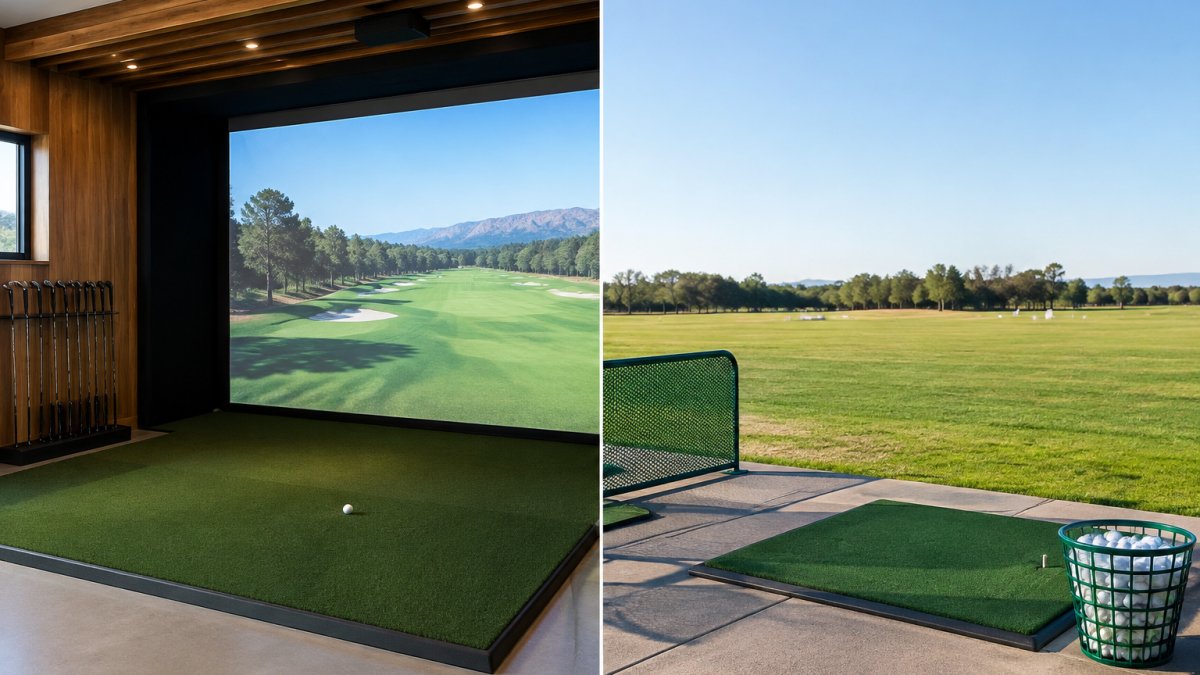
You need a launch monitor that the software supports, a computer or console that meets its requirements, a projector or display, and an enclosure with a hitting mat and impact screen. For data analysis specifically, a launch monitor that reads club data (not just ball data) unlocks metrics like smash factor, club path, and face angle. An on-site measurement before installation helps confirm ceiling height, bay depth, and screen placement so the software and hardware work together.
Comments