

9 Golf Simulator Software Features That Actually Improve Your Game

Last Updated: October 30, 2026
Quick Summary
The golf simulator software features that actually improve your game are real-time ball and club data, swing video analysis, structured practice modes, progress tracking, and customizable data views. Compare platforms on these improvement features rather than course count, and confirm your launch monitor is natively supported with full data.
Club path, face angle, and attack angle explain a slice or a chunk, not distance alone.
Sync swing video to shot data with slow-motion playback and drawing tools.
A weekly routine can pair a 20-ball skill block with a 15-ball dispersion drill.
Check consistency across several sessions before calling a change improvement.
Confirm your specific launch monitor is listed as natively supported before buying.
Table of Contents
Why Most Golf Simulator Software Doesn't Improve Your Game
Most golf simulator software is built to entertain, not to coach. That single distinction explains why so many home setups get used heavily for a month and then gather dust. The essential golf simulator software features for improvement are the ones that turn a session into feedback you can act on, and most platforms treat those features as an add-on. Software capabilities that actually change a swing matter more than those that just look impressive on a spec sheet.
The gap is real. A simulator that shows a ball flying into a virtual sunset tells you nothing about why you cut across it. A simulator that shows club path, face angle, and a replay of your swing tells you exactly what to fix. Below, we'll walk through the nine features that separate a practice tool from an arcade cabinet, and how to judge each one before you commit.
The 9 Features That Separate Practice Tools From Entertainment Systems
These nine capabilities are what we look for when evaluating any golf simulator software. Skip one and you lose a feedback loop. Skip several and you've bought a video game.
Real-Time Ball and Club Data You Can Act On
The non-negotiable feature is actionable data. Ball speed, club speed, launch angle, spin rate, carry distance, and shot shape should appear instantly after each swing, not buried in a menu. Club data matters just as much: path, face angle, and attack angle are what explain a slice or a chunk. If a platform only reports distance, it's an entertainment system.
Swing Video and Mechanics Analysis
Video is where improvement actually happens. A platform that syncs swing video to your shot data lets you connect a number to a motion. Look for slow-motion playback, drawing tools, and side-by-side comparison against a previous swing. Without swing video, you're guessing at swing mechanics from numbers alone.
Skills Challenges and Structured Practice Modes
Random range balls build bad habits. Structured practice modes, like target challenges, dispersion drills, and closest-to-the-pin contests, force you to aim and score. Skills challenges turn a session into a measurable task, and that's what builds consistency over time.
Progress Tracking and Session History
A practice session is only useful if you can compare it to the last one. Progress tracking should log your performance metrics over weeks and months, so you can see whether your shot dispersion is tightening or your carry distance is climbing. Session history with improvement tracking is the difference between practicing and just hitting balls.
Customizable Data Views and Multi-Window Displays
Every golfer needs different numbers. A beginner wants carry distance and shot shape; a low handicapper wants spin rate and face-to-path. Customizable data views and a multi-window display let you arrange the metrics that matter to you, so feedback lands in your line of sight instead of a cluttered screen.
How to Evaluate Golf Simulator Shot Data and Analytics
Start by asking what the data is measured versus calculated. This is the single most important question in simulator analytics, and most buyers never ask it. Launch monitors either track the ball with cameras or radar, and each captures different things.

Watch Out Never build a practice plan on a single session's numbers. Check consistency across several sessions before you conclude that your dispersion is tightening or your carry is climbing. A one-session swing in the data is usually setup noise, not improvement.
If you want a deeper look at how trustworthy those readings are, our guide on launch monitor accuracy explains what the numbers can and cannot tell you. The takeaway for software evaluation: a platform that is honest about its measured-versus-estimated split, publishes calibration guidance, and documents environmental limitations is a platform you can build a practice plan on. One that presents every number as gospel is selling confidence it cannot back up.
Golf Simulator Practice Modes and Drills That Build Consistency
The best practice modes share one trait: they give you a target and a score. Use them deliberately. A workable weekly routine looks like this:
Warm-up: 10 swings in free practice to loosen up, no data review.
Skill block: 20 balls in a target challenge focused on one shot shape.
Dispersion drill: 15 balls aimed at a single flag to measure shot dispersion.
Video review: 5 swings recorded and compared against last week's baseline.
Cool-down: a short closest-to-the-pin challenge to end on a scored task.
The drills matter more than the total volume. Twenty focused swings with feedback beat a hundred mindless ones.
Golf Simulator Software Compatibility With Launch Monitors
Compatibility is where buyers get burned. A software package is only as good as its hardware compatibility, and not every platform supports every launch monitor. Before you buy, confirm three things: the software lists your specific monitor as supported, the connection is native rather than a workaround, and the platform receives full ball and club data rather than a reduced feed.
Hardware compatibility also covers the projector, the screen, and the computer running the simulation. A demanding graphics package needs a machine that can render it smoothly. Ask the software vendor for a compatibility list and check it against your monitor and PC before you commit.
Best Golf Simulator Software for Practice: What to Compare Before You Buy
Compare on improvement features, not course count. A platform with 200 virtual courses but no swing video is worse for your game than one with 30 courses and full analytics. Build a short list and score each option against the features that drive improvement.
Feature to Compare | Why It Matters | What to Look For |
Ball and club data | Explains ball flight | Full metrics, instant display |
Swing video | Connects numbers to motion | Slow-motion, drawing tools |
Practice modes | Builds consistency | Target and dispersion drills |
Progress tracking | Shows improvement over time | Session history, trends |
Data views | Keeps feedback visible | Customizable, multi-window |
Launch monitor support | Ensures your hardware works | Native, full-data connection |
Many software platforms serve this space. Feature sets and pricing vary widely, and published details are often incomplete, so verify practice and analytics capabilities directly with each vendor rather than relying on marketing pages. Compare the improvement features first, then the price.
Subscription Tiers, Course Libraries, and Long-Term Ownership Costs
Software pricing models vary. Pricing depends on the platform, so check current terms with the vendor. Neither is automatically better. The right choice depends on how long you'll keep the setup and how much you value new virtual courses.
Long-term ownership costs go beyond the software fee. Our complete home golf simulator setup cost guide breaks down real figures to weigh subscriptions against total ownership. Factor in course library add-ons, feature tiers that unlock analytics, and any hardware upgrades a graphics-heavy platform demands. For current pricing and a full picture of what a build costs, request a quote from Rocket Simulators.
Building a Practice Bay That Matches Your Software
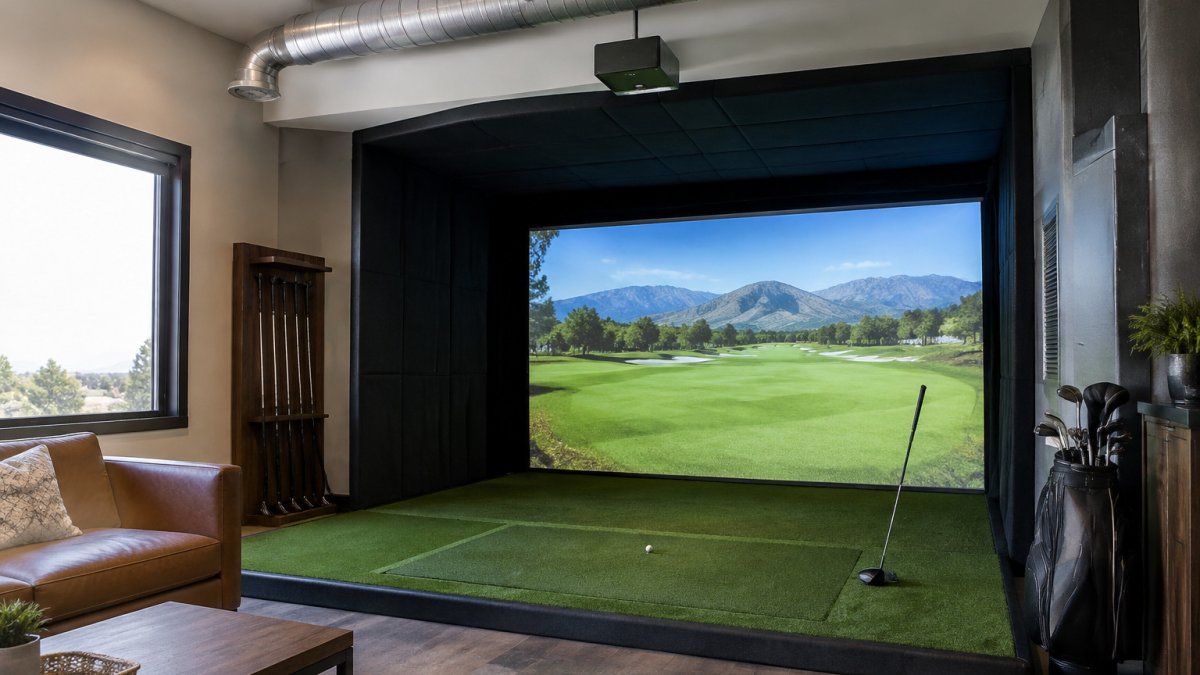
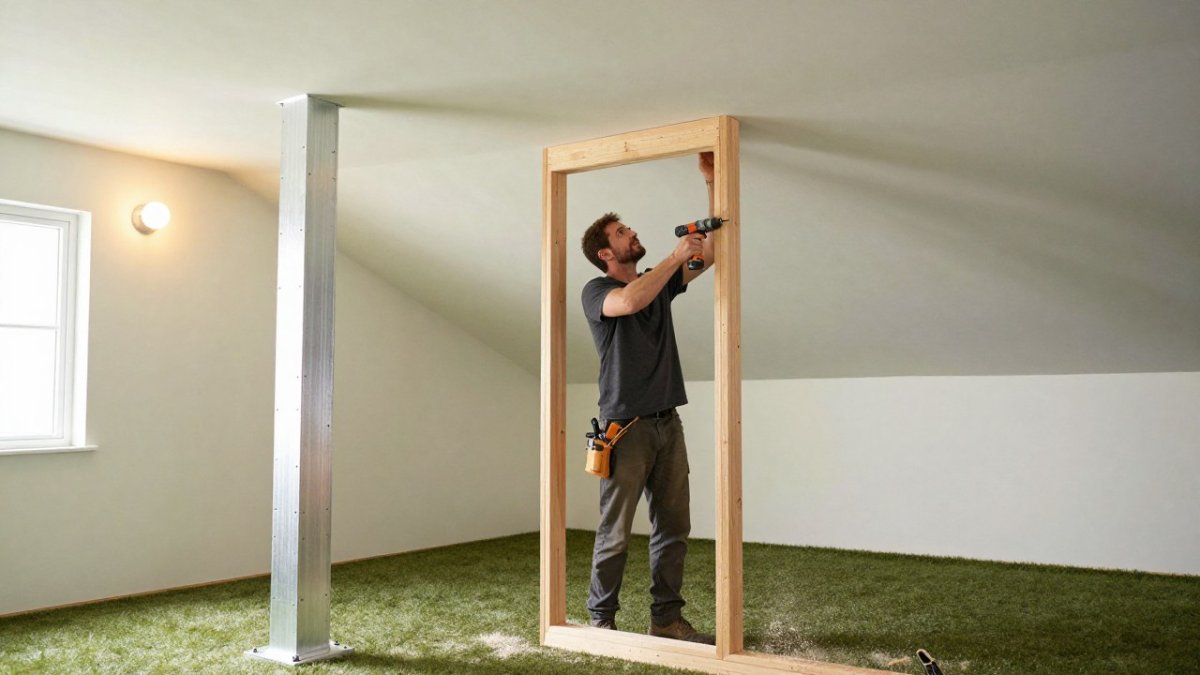
Software and structure have to be planned together. A platform's graphics, projector requirements, and screen dimensions dictate the enclosure, and the enclosure dictates the room. Ceiling height, bay depth, and screen size all constrain which software will look and perform its best. Check our minimum ceiling height guide to confirm your room's requirements before committing to a build.
We measure your space on site, recommend equipment that fits both the room and your chosen software, and build the enclosure from durable aluminum and wood with premium North American materials. Our professional golf simulator installation guide explains what the installation process involves. Our bays use a professional-grade ProTee projector system, DelaTurf hitting mats for a true fairway feel, and a crease-free screen for clean visuals. To see the simulator technology and premium materials behind every build, explore our products. To learn more about our builds, request a quote from Rocket Simulators.
Confirm your room's dimensions before ordering software, since a platform's screen and throw requirements must fit the space.
Frequently Asked Questions
What golf simulator software features help golfers improve?
The features that move the needle are real-time ball and club data (ball speed, club speed, launch angle, spin rate, carry distance), swing video with mechanics analysis, structured practice modes and skills challenges, and progress tracking that stores session history. Customizable data views and multi-window displays let you see dispersion and shot shape at a glance. Course play is fun, but improvement comes from the practice and analytics side of the software.
What data should golf simulator software track?
At minimum, look for ball data (ball speed, launch angle, spin rate, carry distance, shot shape) and club data (club speed, path, face angle where the launch monitor supports it). Shot dispersion charts and consistency metrics across a session matter as much as single-shot numbers. If the software stores session history, you can compare this week's averages to last month's, which is where real improvement tracking comes from.
Can you use golf simulator software with different launch monitors?
It depends on the software. Some platforms are built around specific hardware, while others support a range of launch monitors, both camera-based and radar-based. Before buying, confirm that the software lists your launch monitor as supported, check whether an extra license or integration fee applies, and verify which data points actually pass through. Compatibility affects accuracy, so test the pairing before committing to a full setup.
Is course play or practice mode more useful for improving at golf?
Practice mode wins for skill-building. Full rounds are great for entertainment and course management, but structured drills, skills challenges, and range sessions with data feedback target specific weaknesses. A workable split is mostly practice with occasional rounds to test what you have worked on. The software's practice modes and drills, plus progress tracking, are what turn simulator time into lower scores.
The gap between a simulator that entertains and one that improves your game comes down to a handful of features: real data, swing video, structured practice, progress tracking, and a bay built to run them properly. If you're ready to turn a spare room into a practice space that earns its place, Rocket Simulators designs and installs custom bays around your space and your software. Get started with Rocket Simulators and build a bay that gives you feedback you can actually use.
Comments